 All Features
 Screen Time
 Content Filter
 Location Tracking
 Panic Button
Resources
Panic Button
Resources
 Blog
Blog
 Help Center
Company
Help Center
Company
 Pricing
 Company
Get started free →
All Features
Screen Time
Content Filter
Location Tracking
Panic Button
Resources
Blog
Help Center
Company
Pricing
Company
Get started free →
Company
Get started free →
All Features
Screen Time
Content Filter
Location Tracking
Panic Button
Resources
Blog
Help Center
Company
Pricing
Company
Get started free →
 Content Filter
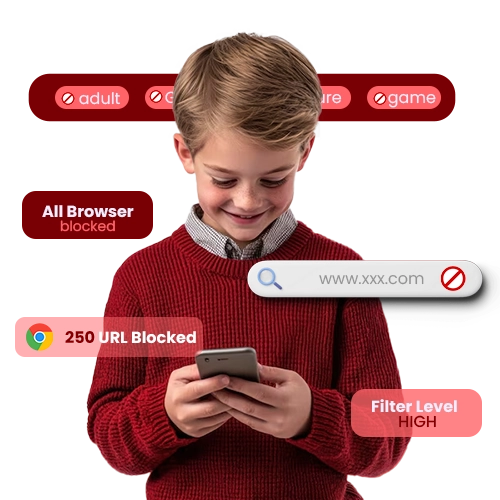
GuardianShield's content filter works silently across every browser and app, blocking inappropriate websites, adult content, and violent material using a database of over 85 million categorized URLs.
 COPPA & GDPR Certified
 256-bit Encryption
 4.8★ Google Play
 Editor's Choice 2025
 Cancel anytime
All features available from your first day — no setup fees, no hidden extras.

Our URL database covers over 85 million categorized websites, updated daily with new threats and categories.

Filtering works in Chrome, Firefox, Safari, Samsung Browser, and every in-app browser — not just one.

Choose from Strict (under 8), High (8-11), Moderate (12-14) or Light (15-17) with one tap.

Add any specific website to your allow list (whitelist) or block it permanently with one tap.

Force Google, Bing, and YouTube into safe search mode at the DNS level — impossible to bypass.

See exactly which sites were blocked, when, and on which device, with a full searchable history.
Everything works better together — explore related tools and in-depth guides.




Join over 2 million families who trust GuardianShield. Full access free for 30 days — no credit card, no commitment.
✓ 30-day free trial · ✓ No credit card · ✓ Cancel anytime · ✓ All devices