All Features
 Screen Time
 Content Filter
 Location Tracking
 Panic Button
Resources
Panic Button
Resources
 Blog
Blog
 Help Center
Company
Help Center
Company
 Pricing
 Company
Get started free →
All Features
Screen Time
Content Filter
Location Tracking
Panic Button
Resources
Blog
Help Center
Company
Pricing
Company
Get started free →
Company
Get started free →
All Features
Screen Time
Content Filter
Location Tracking
Panic Button
Resources
Blog
Help Center
Company
Pricing
Company
Get started free →
 SOS Alert
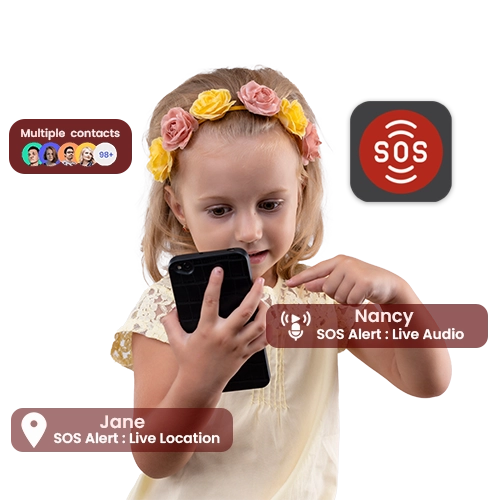
The GuardianShield Panic Button lets your child send an instant SOS alert with their exact GPS location, a live audio snippet, and an emergency notification to your phone — with a single press.
 COPPA & GDPR Certified
 256-bit Encryption
 4.8★ Google Play
 Editor's Choice 2025
 Cancel anytime
All features available from your first day — no setup fees, no hidden extras.

A single press of the in-app Panic Button immediately alerts all designated emergency contacts.

Your child's precise GPS coordinates are sent with the alert so you always know where to go.

A 15-second audio clip from the device's microphone is captured and sent, giving crucial context.

Designate up to 3 people (both parents, a grandparent, etc.) who all receive the SOS simultaneously.

The Panic Button can be activated from the child app, a widget, or a hardware volume-button sequence — discreetly.

All Panic Button activations are logged with timestamp and location for review and record-keeping.
Everything works better together — explore related tools and in-depth guides.
Join over 2 million families who trust GuardianShield. Full access free for 30 days — no credit card, no commitment.
✓ 30-day free trial · ✓ No credit card · ✓ Cancel anytime · ✓ All devices